
Improving website visibility starts with optimizing individual pages. Search engines need clear information to understand your content and match it with relevant searches. Beginners can improve their websites by following simple optimization practices. These steps help create useful content and improve user experience. This guide explains essential techniques for optimizing website pages effectively. From writing SEO-friendly titles and meta descriptions to using keywords naturally, each step contributes to better on-page optimization. Following a checklist can help beginners maintain consistency and build a strong foundation for long-term SEO success.
What Is On-Page SEO
On-page SEO involves optimizing website elements to improve search visibility. These elements include titles, headings, URLs, images, and written content. Proper optimization helps search engines understand each page’s purpose. It also makes information easier for visitors to find and understand.
On-Page SEO Checklist for Beginners
Following a checklist helps you organize your optimization tasks. Start with these essential steps to improve your website pages.
1. Choose the Right Keywords
Keywords represent the terms people enter into search engines. Choosing relevant keywords helps your content reach the right audience. Use keyword research tools to identify suitable search terms. Focus on keywords that match your topic and audience’s needs. Consider search intent before selecting your primary keyword. Avoid inserting keywords unnaturally throughout your content.
2. Optimize Your Title Tag
The title tag tells search engines and users what a page covers. Write a clear, descriptive title that accurately represents your content. Include your primary keyword naturally when appropriate. Keep titles concise and distinctive. Avoid repeating the same title across multiple pages. An engaging title can also encourage users to click your search result.
3. Write a Compelling Meta Description
A meta description summarizes a page’s content in search results. Write a unique description that explains the page’s main benefit. Include your target keyword naturally when it fits. Keep the description informative and easy to understand. Avoid misleading claims or unnecessary keyword repetition. Although meta descriptions are not a direct ranking factor, they can influence clicks.
4. Use Clear Headings
Headings organize content into understandable sections. Use one clear main heading to introduce your page’s topic. Organize supporting sections with descriptive subheadings. Include relevant keywords naturally in suitable headings. Maintain a logical heading structure throughout the page. This approach improves readability and helps visitors find important information quickly.
5. Create SEO-Friendly URLs
Simple URLs help users understand a page’s topic before opening it. Use short, descriptive URLs that reflect the page’s content. Include your target keyword when it fits naturally. Separate words with hyphens instead of underscores. Avoid unnecessary numbers, symbols, and complicated parameters. Keep URLs consistent and meaningful across your website.
6. Publish High-Quality Content
Useful content answers questions and provides practical information. Understand your audience before writing each page. Explain important ideas clearly and support readers’ needs. Avoid copying content from other websites. Update outdated information whenever necessary. Use examples, relevant details, and helpful explanations to improve content quality.
7. Add Internal Links
Internal links connect related pages within your website. They help visitors explore additional information. They also help search engines discover and understand your website structure. Link to relevant articles and service pages where appropriate. Use descriptive anchor text that explains the destination. Avoid adding links that do not support the reader’s needs.
8. Optimize Images
Images improve visual appeal and help explain complex information. Use descriptive filenames before uploading images. Add meaningful alternative text to informative images. Compress image files to reduce loading times. Choose suitable formats and dimensions for different devices. Avoid using large images that slow down your website unnecessarily.
9. Improve Mobile Friendliness
Many visitors access websites through smartphones and tablets. Your pages should display correctly across different screen sizes. Use responsive layouts that adjust to each device. Make text readable without zooming. Ensure buttons and links are easy to tap. Test your pages on mobile devices to identify usability problems.
10. Improve Page Speed
Fast-loading pages create a better browsing experience. Compress images and remove unnecessary scripts where possible. Use browser caching and reliable hosting to improve performance. Check your website with Google PageSpeed Insights. Review its recommendations and address significant issues first. Monitor performance regularly to maintain a smooth user experience.
Common Mistakes Beginners Should Avoid
Avoid repeating keywords excessively throughout your content. Keyword stuffing can make pages difficult to read. Write naturally and prioritize useful information. Do not ignore broken links or outdated content. Review your pages regularly to maintain accuracy. Avoid publishing multiple pages targeting identical search intent without a clear purpose. Remember that optimization does not guarantee immediate ranking improvements. Search performance depends on competition, content quality, technical health, and other factors.
How to Track Your Progress
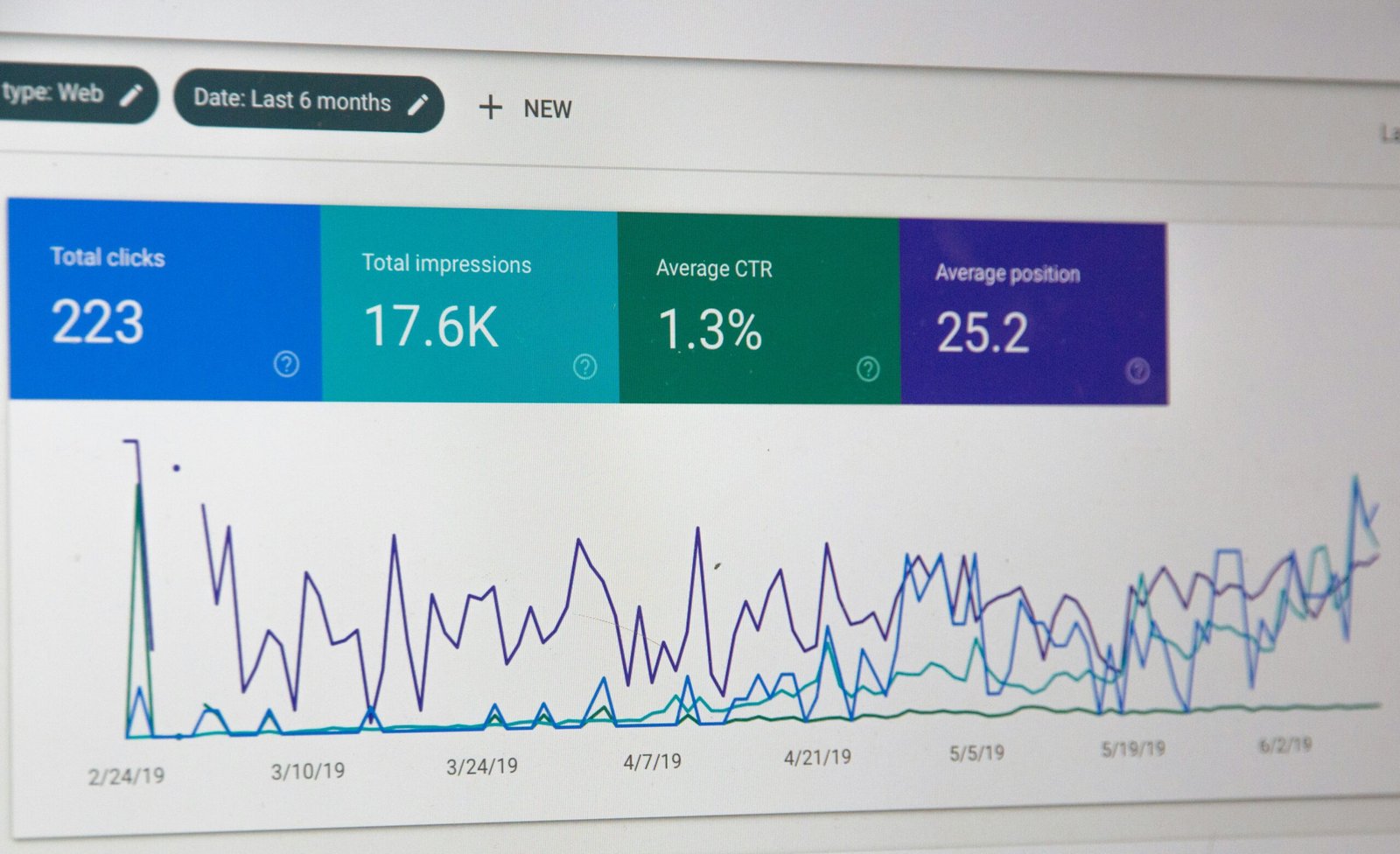
Google Search Console helps you monitor website performance in Google Search. Review impressions, clicks, search queries, and average positions. These metrics help identify pages that may need improvement. Google Analytics can provide additional information about visitor behavior. Track engagement and conversions to understand how users interact with your content. Use these insights to guide future optimization efforts.
Conclusion
A clear optimization process helps beginners improve website quality and search visibility. Start with relevant keywords, useful content, descriptive titles, and clear headings. Then improve internal links, images, mobile usability, and page speed. Consistent On-Page SEO practices can create a stronger foundation for long-term organic growth. Review your pages regularly and make improvements based on performance data. Focus on helping visitors find accurate, relevant, and valuable information.
Photo by Myriam Jessier on Unsplash