
Broken links can create problems for website visitors and affect the overall quality of a website. They occur when a link points to a page that no longer exists or cannot be accessed. These issues may appear after deleting pages, changing URLs, or moving website content. Finding broken links regularly helps maintain a smooth browsing experience. It also helps website owners identify outdated links and unnecessary redirects. Several tools can simplify this process by scanning pages and reporting links that need attention. Choosing the right tool depends on your website size, budget, and technical requirements.
Understanding Broken Links and Their SEO Impact
A broken link usually leads to an error page instead of the expected content. Internal broken links connect visitors to unavailable pages on the same website. External broken links point to destinations on other websites that no longer work. These problems can interrupt navigation and prevent users from finding useful information. Broken internal links may also make it harder for search engines to discover important pages. A few broken links do not automatically damage search rankings. However, widespread problems can indicate poor website maintenance and create a frustrating user experience. Regular link checks help identify these issues before they become widespread. Website owners can then repair links, update destinations, or redirect outdated URLs when appropriate.
Screaming Frog SEO Spider
Screaming Frog SEO Spider is a website crawling tool that helps users identify technical SEO issues. It can crawl websites and report broken links, client errors, redirects, and other problems. Users can examine internal URLs and identify links that return HTTP error responses, including 404 errors. The tool also provides information about the pages containing those links. This makes it useful for websites with many pages or complicated structures. SEO professionals can export reports and prioritize broken links according to their importance. The free version supports crawling up to a specified URL limit, while a paid license provides additional capabilities. Check the current licensing details before choosing a plan.
Ahrefs Broken Link Checker
Ahrefs provides tools for discovering broken links through its SEO platform and free online resources. Its backlink analysis features can help website owners find broken pages that still receive links from other websites. This information can reveal opportunities to restore valuable pages or redirect outdated URLs to relevant alternatives. Finding broken backlinks can also help identify potential link-building opportunities. The platform is particularly useful for SEO professionals who want to combine link analysis with broader website research. Some features require a paid subscription, while selected tools are available without a full account. Available functionality depends on the specific tool and plan.
Semrush Site Audit
Semrush Site Audit helps website owners identify technical SEO problems across their websites. Its reports can highlight broken internal links, crawlability issues, redirects, and other errors. The audit organizes findings so users can review problems and decide which ones need attention first. This can make technical maintenance easier for websites with many URLs. Semrush is especially useful for marketers who already use the platform for keyword research, competitor analysis, or backlink monitoring. Access to audit limits and advanced features varies by subscription. Review the available plans to determine whether the tool fits your website and budget.
Google Search Console
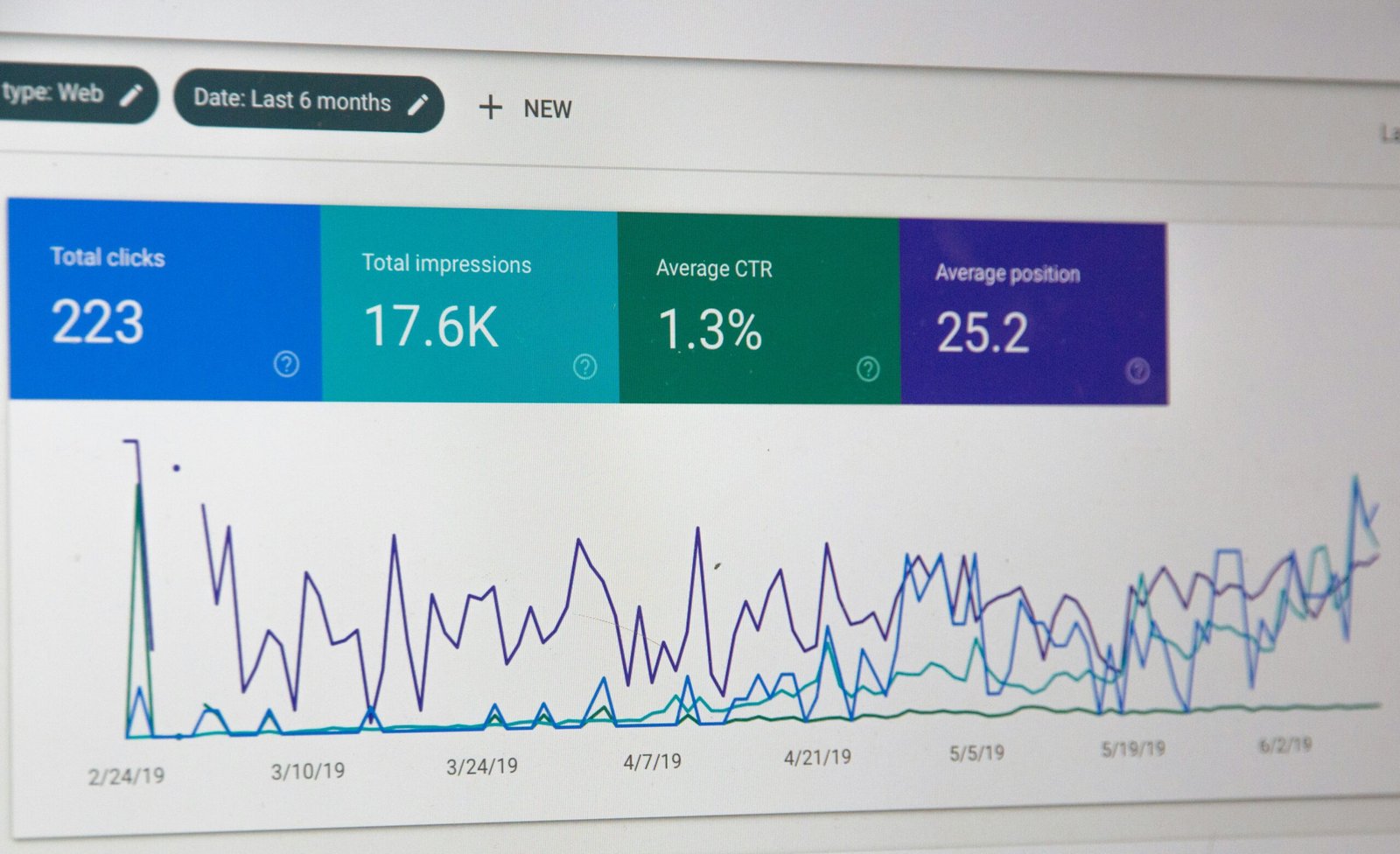
Google Search Console is a free tool that helps website owners monitor their site’s presence in Google Search. It provides information about indexing, search performance, and certain technical problems. It is not a dedicated broken-link checker that crawls every link on a website. However, its indexing reports can help identify URLs returning errors or pages that Google cannot access as expected. Website owners can use this information alongside a dedicated crawling tool to investigate problems. Checking important URLs through the URL Inspection tool can also help diagnose accessibility and indexing issues. Google Search Console is a useful starting point for businesses that want to monitor their website without purchasing additional SEO software.
Broken Link Checker Plugins for WordPress
WordPress website owners can use plugins designed to monitor broken links. These tools can check links within posts, pages, and other supported content areas. Some plugins identify unavailable destinations and provide options to edit or remove affected links. This can be convenient for bloggers and small businesses that manage their websites directly through WordPress. However, continuous link monitoring may increase server load on some websites. Compatibility, maintenance, and resource usage should be considered before installing a plugin. Choose a well-maintained option that works with your WordPress version. For larger websites, an external crawler may provide more flexible reporting and scanning controls.
How to Choose the Right Tool
The best tool depends on the size of your website and the information you need.
Consider these factors before making a decision:
- Website size: Small websites may need only occasional checks, while larger sites benefit from detailed crawling reports.
- Budget: Free tools can support basic monitoring, while paid platforms provide additional analysis.
- Reporting features: Choose a tool that identifies broken URLs and shows where those links appear.
- Ease of use: Beginners may prefer simple dashboards, while professionals may need advanced filters and exports.
- Additional SEO features: Some platforms combine link checking with backlink analysis, site audits, and keyword research.
- Avoid installing multiple tools that perform the same tasks unless they provide genuinely different insights.
Best Practices for Fixing Broken Links
Finding broken links is only the first step. Website owners should investigate each issue and choose the appropriate correction. For internal links, update the destination to a working and relevant page. If a page has permanently moved, consider a suitable redirect to its replacement. For external links, locate an alternative resource when the original destination is unavailable. Remove the link if no useful replacement exists. Prioritize errors affecting important pages, navigation menus, and frequently visited content. Recheck the website after making changes to confirm that the links work correctly. Avoid redirecting every broken URL to the homepage. Redirects should lead visitors to relevant content whenever possible.
Conclusion
Broken links can interfere with website navigation and prevent visitors from accessing useful information. Tools such as Screaming Frog SEO Spider, Ahrefs, Semrush, and Google Search Console can help identify related technical problems. Choose a solution that matches your website’s size, budget, and maintenance requirements. Check links regularly and correct important issues promptly. Consistent monitoring supports a better user experience and helps maintain a healthy website. Although fixing broken links does not guarantee higher rankings, it remains a valuable part of technical SEO.