
Optimizing a website for search engines requires attention to content, technical performance, and user experience. SEO plugins simplify many of these tasks by offering useful tools directly within a website’s content management system. They help website owners manage metadata, improve page structure, and identify common optimization issues. Choosing the right tool depends on your platform, experience, and website goals. Some solutions focus on on-page optimization, while others provide technical recommendations or detailed performance reports. Understanding their features helps you select tools that fit your workflow. This guide explores popular options and explains how they support effective website optimization.
Benefits of Using SEO Plugins
SEO plugins make common optimization tasks easier to manage. Instead of manually editing every page, website owners can use built-in features to handle important settings. Many plugins support title tags, meta descriptions, XML sitemaps, and canonical URLs. Some also provide content analysis, schema markup options, and recommendations for improving readability. These features can help beginners follow SEO practices more consistently. However, plugins cannot guarantee higher rankings or replace useful content. Website owners still need to understand their audience, target relevant keywords, and maintain a technically sound website.
Yoast SEO for Content Optimization
Yoast SEO is a popular WordPress plugin designed to simplify on-page optimization. It provides tools for managing search appearance settings and analyzing individual pages. Its content analysis features offer feedback on readability, keyword placement, internal linking, and other optimization considerations. Users can also manage SEO titles and meta descriptions. Yoast SEO supports XML sitemaps and provides options for controlling how certain content appears in search engines. Its interface can help beginners understand common SEO tasks. The plugin is useful for bloggers, publishers, and business websites that regularly publish content. However, its recommendations should be treated as guidance rather than strict rules. Natural writing and reader satisfaction remain more important than achieving every indicator.
Rank Math for Advanced SEO Features
Rank Math is another WordPress SEO plugin that combines several optimization features within one interface. It offers tools for managing metadata, structured data, sitemaps, and selected technical SEO settings. The plugin also provides integrations and reporting features, depending on the version and configuration. These options can help website owners manage different optimization tasks without installing multiple plugins. Rank Math may appeal to users who want access to a broad range of features. Beginners can start with essential settings and explore advanced options as their knowledge improves. Before enabling additional features, check whether another plugin already performs the same function. Avoid unnecessary duplication, which can complicate website management.
All in One SEO for WordPress Management
All in One SEO, often called AIOSEO, provides tools for managing search optimization on WordPress websites. It helps users configure page titles, meta descriptions, XML sitemaps, and other SEO settings. Its interface includes recommendations that can guide website owners through common optimization tasks. Depending on the plan, additional features may support local SEO, redirects, and advanced schema options. AIOSEO can be useful for small businesses that want a structured approach to website optimization. Its setup features can also help users review important settings when launching a new website. Compare the available features and pricing before choosing a plan. The best option is one that supports your actual requirements without adding unnecessary complexity.
SEOPress for Flexible Optimization
SEOPress is a WordPress plugin that provides tools for managing technical and on-page SEO. It supports metadata, XML and HTML sitemaps, social sharing information, and structured data features.Its configuration options allow users to manage different aspects of search appearance from a central interface. This can be helpful for website owners who prefer greater control over their settings. SEOPress offers both free and paid options, with available features varying by plan. It can suit business websites, blogs, and content-focused projects. As with other plugins, review the settings carefully before making major changes. Incorrect metadata or indexing directives can affect how search engines access and interpret your pages.
The SEO Framework for Lightweight SEO Management
The SEO Framework is a WordPress plugin focused on streamlined optimization. It provides tools for managing essential metadata and selected technical SEO settings. Its approach may appeal to website owners who prefer a simpler interface with fewer promotional prompts. The plugin can help automate certain SEO tasks while allowing users to control important settings. It is worth considering for blogs and business websites that need core optimization features without an overly complicated workflow. Before switching plugins, check which settings and features your current setup already uses. A careful transition helps prevent missing metadata or unexpected changes to indexing settings.
Choosing the Right SEO Plugin
Selecting an SEO plugin requires more than comparing feature lists. Consider your website platform, technical experience, budget, and optimization priorities. WordPress users can compare the plugins discussed above. Websites built on other platforms may already include built-in SEO tools or support different integrations.
Evaluate these factors before making a decision:
- Essential features: Look for metadata management, sitemap support, and relevant technical settings.
- Ease of use: Choose an interface that matches your experience and workflow.
- Compatibility: Confirm that the plugin works with your theme and other essential tools.
- Performance: Avoid installing overlapping plugins that add unnecessary complexity.
- Support and updates: Check maintenance activity, documentation, and available support options.
- Cost: Compare free features with paid plans to determine whether an upgrade is necessary.
Installing several optimization tools simultaneously can create conflicting settings. Choose one primary tool and add others only when they provide distinct benefits.
Getting Better Results From SEO Plugins
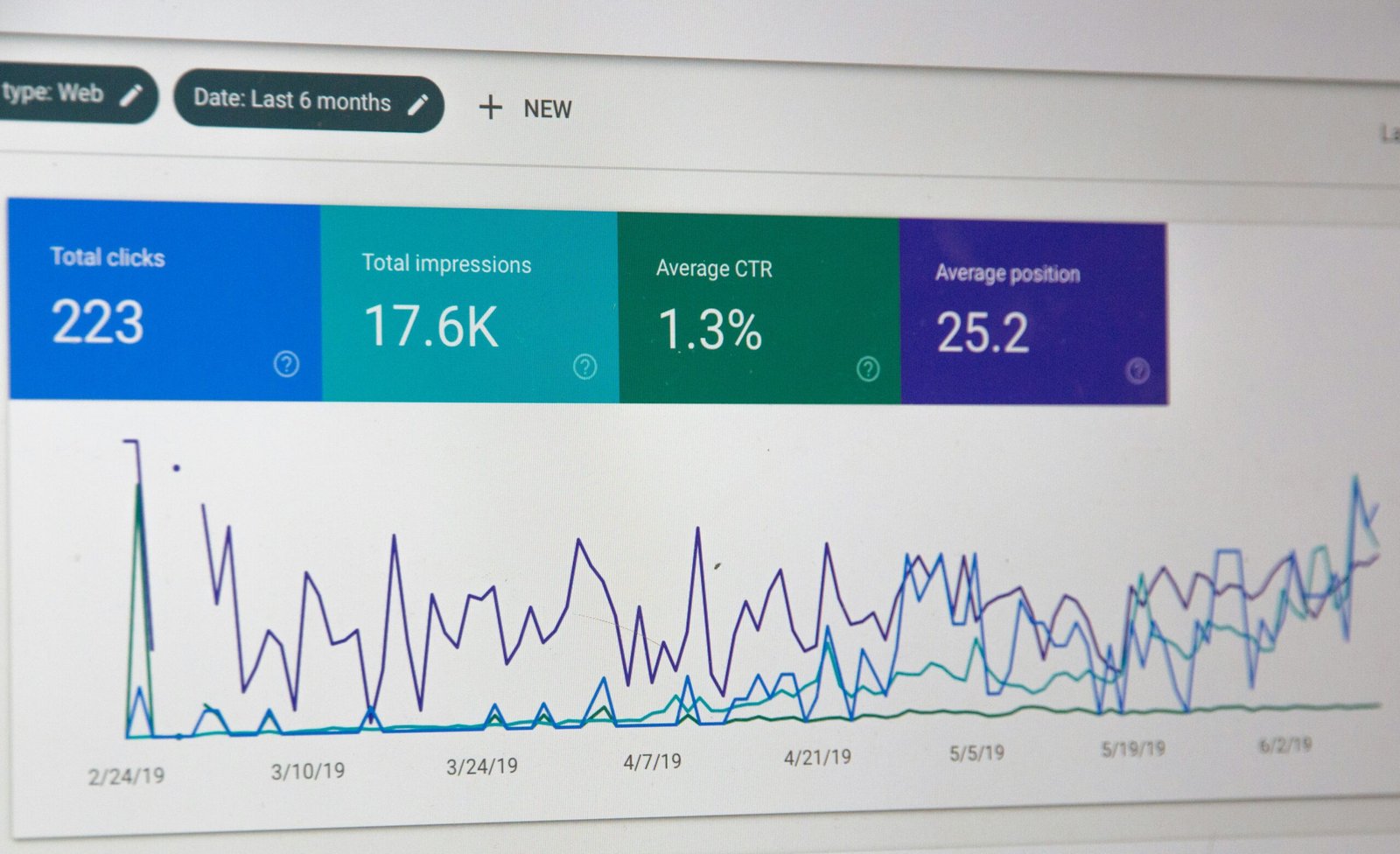
An SEO plugin works best when it supports a broader optimization strategy. Start by researching relevant keywords and understanding what your audience wants to find. Create helpful content with descriptive headings and clear explanations. Improve internal links so visitors can discover related pages easily. Use Google Search Console to monitor indexing status, search impressions, and clicks. Google Analytics can help you understand website traffic and user interactions. Review your plugin settings after major website changes. Check metadata, canonical URLs, sitemaps, and indexing directives to ensure they remain appropriate. Avoid changing settings simply to improve a plugin’s score. Focus on meaningful improvements that help search engines understand your content and help visitors use your website more effectively.
Conclusion
The best SEO plugin depends on your website’s needs and the level of control you want. Yoast SEO, Rank Math, AIOSEO, SEOPress, and The SEO Framework offer different approaches to WordPress optimization. Compare their features, choose a suitable option, and configure it carefully. Combine plugin functionality with quality content, technical maintenance, and regular performance monitoring. SEO plugins can simplify website optimization, but they cannot guarantee rankings. Consistent improvements and a focus on users remain essential for sustainable search visibility.